How to Schedule Posts Across Multiple Platforms
One draft, several networks, and the per-channel versions that stop a good X post from reading badly on LinkedIn.

Quick guide
Tick every account you want in the Posting to row, write the shared post once, then rewrite the channels that need different wording before you schedule.
- Select all the accounts you want. They all get the shared text by default.
- Check the counter against your strictest network. That's the one that'll refuse the post first.
- Use the channel tabs to write a different version for any network that needs one.
- Flip the preview to All channels and read them side by side.
- Attach a photo or video if Instagram, Pinterest or TikTok is in the mix.
- Schedule once. Every channel goes out together, each with its own copy.
The full walkthrough is below.
Posting the exact same sentence to every network is the quickest way to look automated. Writing a separate version for each by hand is the quickest way to stop posting altogether. The bit that actually works sits in the middle: one draft most channels take unchanged, plus a rewrite for the two or three that genuinely need it.
Here's how Hyvo handles that: what happens when you tick several accounts, how the counter behaves when their limits disagree, and where the per-channel versions live.
What "multi-platform" actually means here
Ticking several accounts in Posting to doesn't create several posts you then have to babysit. It creates one post with several destinations. You schedule it once, and each channel gets the text it should get.
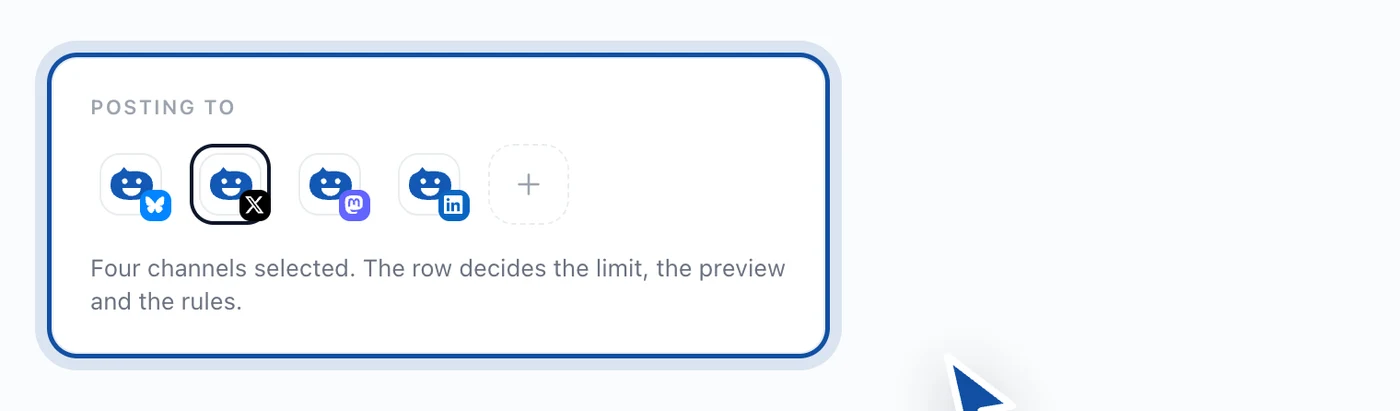
Hyvo publishes to these networks: X, LinkedIn, Instagram, Threads, Facebook, TikTok, Pinterest, Bluesky and Mastodon. Which of them show up in that row is just a question of what you've connected.
The limits don't agree, and that's the whole problem
The single biggest headache with cross-posting is that networks disagree about length by an order of magnitude.
| Network | Base character limit |
|---|---|
| X | 280 |
| Bluesky | 300 |
| Threads | 500 |
| Mastodon | 500 |
| 500 | |
| 2,200 | |
| TikTok | 2,200 |
| 3,000 | |
| 63,206 |
Those are the floors every account on a network shares. Your specific account might be allowed more, since an X Premium subscriber writes way past 280, and Hyvo reads the real allowance off the account instead of assuming the floor.
The counter follows whichever channel you're previewing, so the number on screen always applies to what you're looking at. Set the preview to All channels and it shows the strictest one, because that's the network that'll refuse the post first.
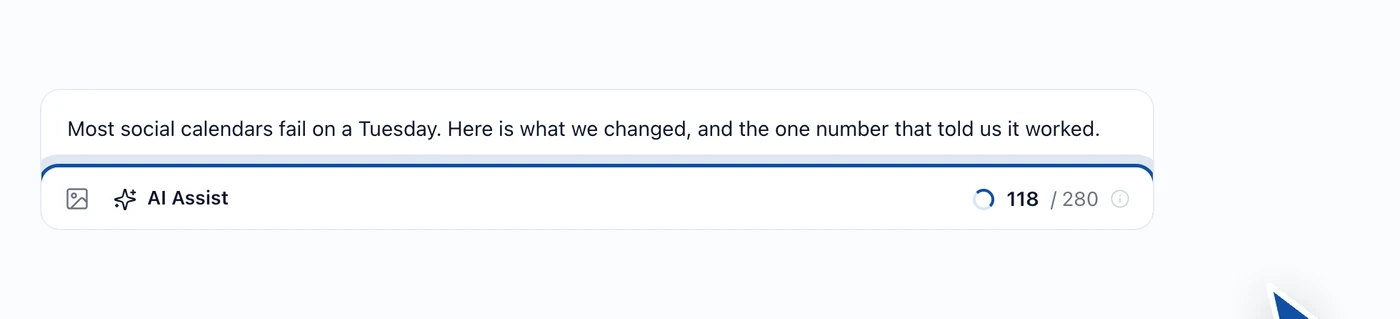
We used to count everything against the strictest limit in the set, which meant selecting Bluesky made a perfectly good 900-character X post unsaveable. Each network gets judged on its own copy and its own allowance now.
Writing a version for one channel
Everything you type goes to every ticked channel until you say otherwise. When one network needs its own wording, the channel tabs above the editor let you write it without touching the rest.
- Click the tab for the channel you want to change. The editor loads that channel's copy, starting from whatever the shared text says.
- Rewrite it. Only that channel moves; the others keep the shared version.
- The counter and the notice next to the tabs switch to that channel's allowance while you're in there.
- Reset the tab to throw the version away and put that channel back on the shared text.
Reading it back before you schedule
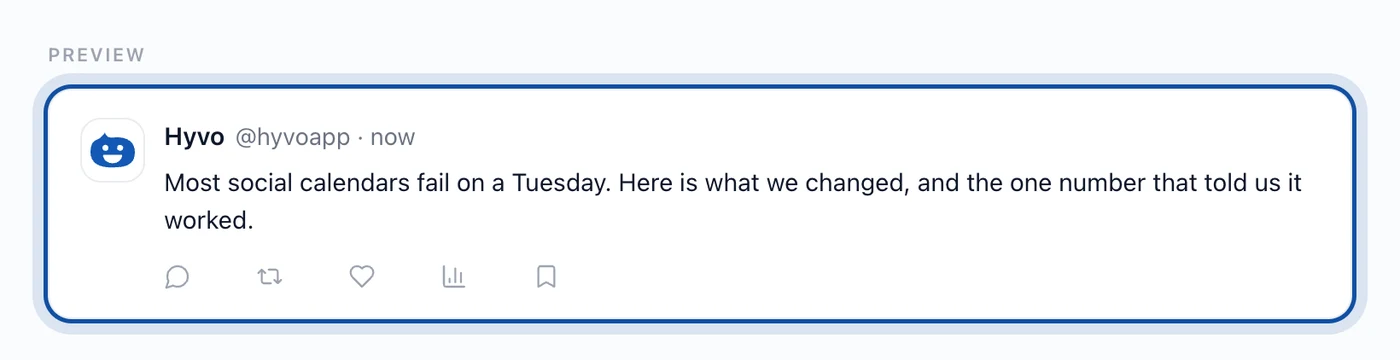
The preview panel has a tab per selected channel plus an All channels view. All channels is the one worth using here. It draws every version in its own network's layout, one under the other, which is the only way to answer the question that actually matters: does this read well everywhere?
Which networks need a photo
Instagram and Pinterest reject a post with no image. TikTok rejects one with no video. Facebook, LinkedIn, X, Threads, Bluesky and Mastodon are all happy with text on its own.
So if Instagram's in your set, you need an attachment before anything can go anywhere. The schedule button stays off and the footer names the network holding it up. If you wanted a text-only post everywhere else and nothing on Instagram, untick Instagram rather than attaching a picture you don't want.
What this looks like in practice
Say you've written a short observation for X. Around 190 characters, ends on a question. You've also got LinkedIn, Bluesky and Mastodon ticked.
- Bluesky and Mastodon take it unchanged. The limits are comfortable and people read short posts there the same way they do on X.
- LinkedIn will take it too, but 190 characters looks a bit thin over there. Tab into LinkedIn, put two sentences of context in front of the same idea, leave the question at the end.
- Schedule once. All four go out together. Three carry the short version, one carries the longer one.
That's the whole thing. Two versions instead of four, and one trip to the schedule button.
Where people trip up
- Leaving every account ticked out of habit. The composer starts with all of them on. A post written for one audience quietly reaching all of them is the classic cross-posting mistake, and it's a two-click fix.
- Drafting to the longest limit first. Write for your strictest network and expand for the roomier ones. Going the other way means cutting, which is slower and usually worse.
- Cross-posting things that don't travel. Hashtag habits, @ handles and "link in bio" mean different things on different networks. If a line only makes sense in one place, that place needs its own version.
- Forgetting a tailored channel exists. Tabs with their own version are marked. Check them before you schedule if the shared text has moved on since.
A few limits to know about
- Media attaches to the post as a whole, not per channel. Every selected network gets the same files.
- One post, one scheduled time. Staggering channels across different times means creating separate posts.
- X comes with Premium. On the free plan it won't appear in the Posting to row at all.
FAQs
Does one multi-platform post count once against my monthly limit, or once per network?
Once. The free plan's 20 posts a month counts posts, not destinations.
Can I give different networks different times?
Not inside one post. A post has one scheduled time. Make separate posts if you want to stagger them.
What happens if one network fails and the others go out fine?
The post appears under the Failed tab with the reason from whichever network refused it, while the channels that worked stay published. More on that in managing scheduled content.
Can Hyvo AI write the per-channel versions for me?
Yes. AI Assist works on whichever channel you're previewing, so it aims at that network's length and habits. Turning one idea into several posts goes through it properly.
Is there a cap on how many accounts one post can go to?
On Premium, no. It goes to however many you've connected. Free connects three accounts in total.
About the author

Founder, Hyvo
Subarna Basnet is the founder of Hyvo, an AI-powered platform helping businesses create, manage, and automate social media marketing. He writes about AI, social media automation, content creation, and marketing technology.