How to Create Your First Social Media Automation With Hyvo
Describe the routine in a sentence, check the workflow it builds, put an approval step in front of anything that publishes, and test it before you turn it on.


Quick guide
Open Automations, describe what you want in plain English, and let Hyvo build the workflow. Then read every node, add an approval step before anything publishes, test it once, and activate.
- Pick a routine you already do by hand every week.
- Describe it in one sentence, including when it should run.
- Read the workflow Hyvo builds. Change the nodes that are not what you meant.
- Add an approval step in front of any step that publishes.
- Test it, then activate it.
The full walkthrough is below.
The first automation people build is usually too ambitious and never gets turned on. So pick a small one. Something you already do by hand every week and resent slightly.
A good first candidate: after a post goes out, wait a day, measure it against your own baseline, and tell me what happened. It does not publish anything, so there is nothing to be nervous about, and it produces something useful every single week.
Step 1: Describe it
Automations start with a sentence, not a canvas.
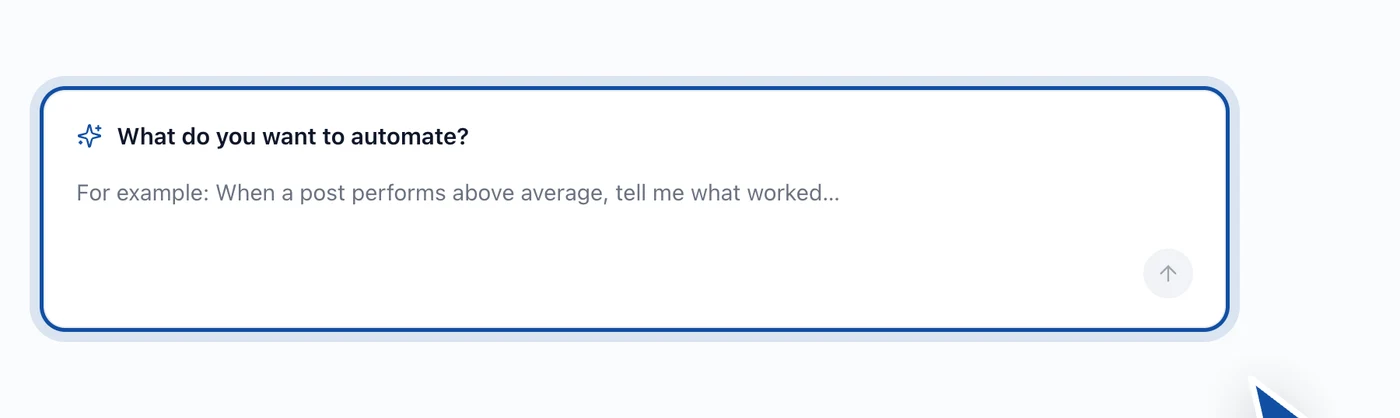
Write what you want in plain English. Be specific about three things: when it starts, what it should do, and what should happen at the end.
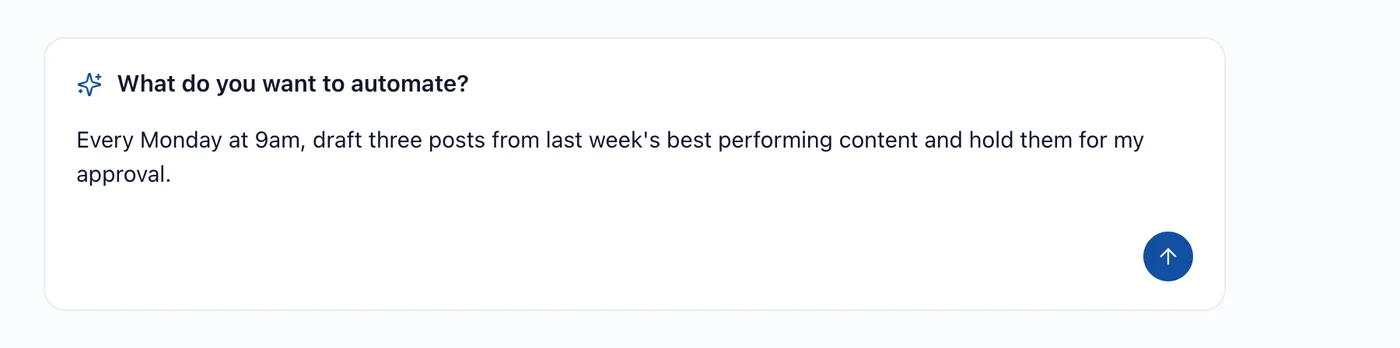
"Every Monday at 9am, draft three posts from last week's best performing content and hold them for my approval" is a good description because it names the trigger, the work and the fact that it should stop before publishing.
If you are not sure what to ask for, the suggestions underneath are real workflows rather than marketing examples.

Step 2: Read what it built
Hyvo works out the steps and lays them out.
Now read it properly.
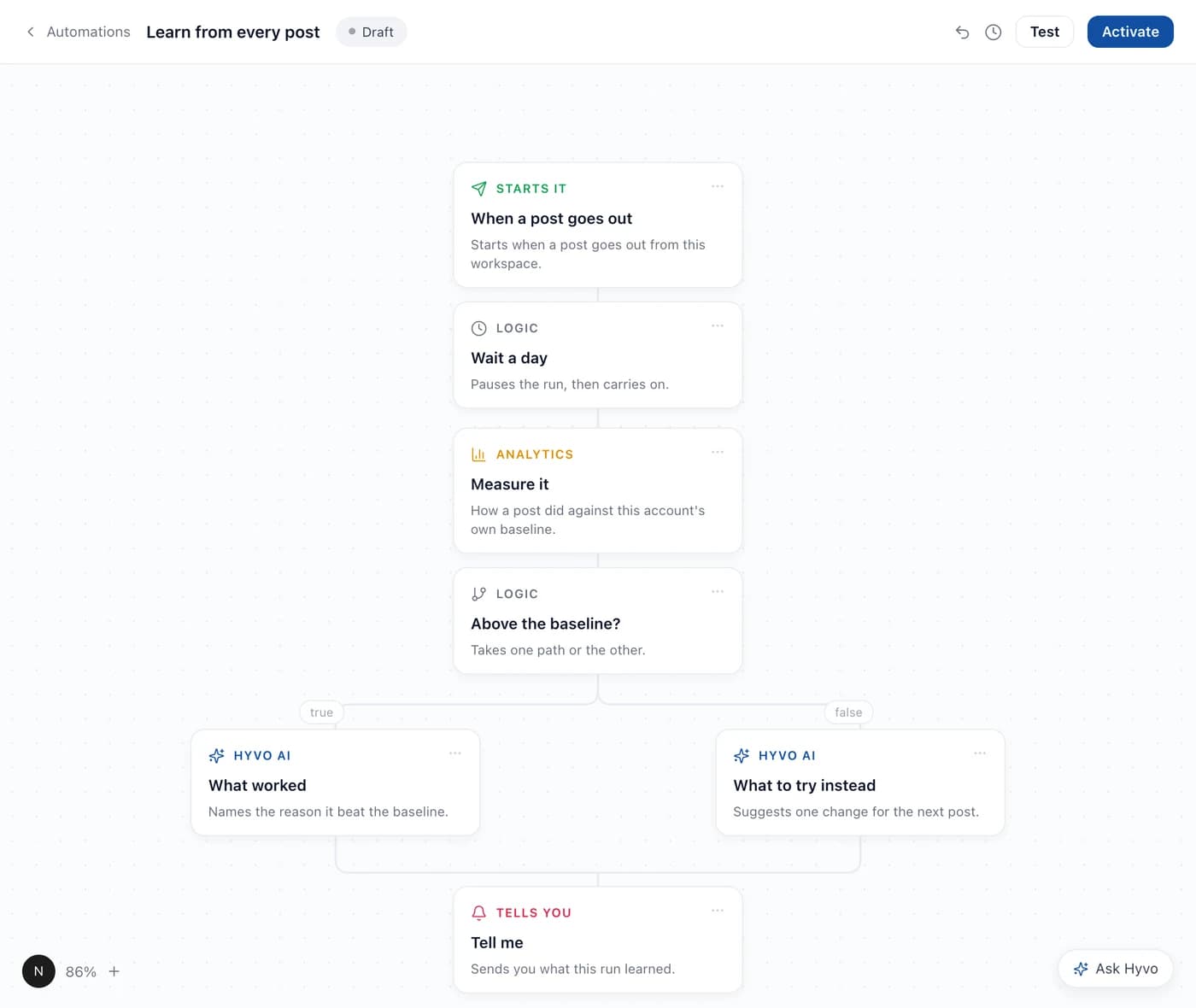
Check three things:
The trigger. Is it the right time, or the right event? "When a post goes out" and "every Monday" produce very different workflows.
The branch, if there is one. A logic step asking whether something beat your baseline sends the run down one of two paths. Make sure the two paths are the ones you want, and that the one you care about is not the empty one.
The end. What actually comes out. A draft, a notification, a report. If the answer is "it publishes", read the next step carefully.
Step 3: Put an approval step in front of anything that publishes
If the workflow ends in a publish, add an approval step before it.
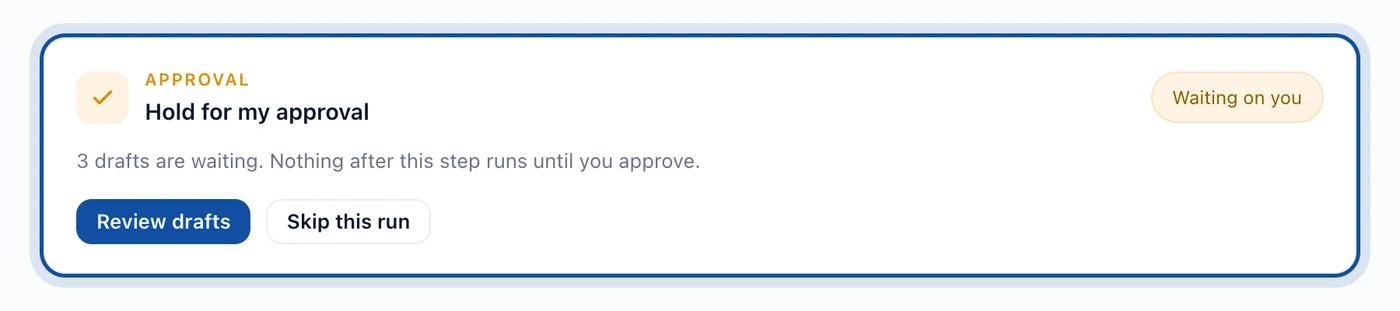
This is the difference between an automation that saves you an hour and one that makes you check your phone at midnight. The drafts get written while you are asleep; the decision to publish stays with a person.
Step 4: Test it
Do not activate an untested workflow. The canvas has a Test control in its header, which runs the thing once, now, so you can see what it actually produces.
How to test an automation before running it covers what to look for.
Step 5: Activate
Once a test run produces something you would have been happy to receive, activate it. From then on the trigger fires on its own.
Then leave it alone for two weeks and see whether the output is something you read or something you dismiss. An automation you dismiss every week is worse than no automation, because it trains you to ignore the thing that was supposed to tell you something.
FAQs
What should my first automation be?
Something that does not publish. A weekly measurement or summary gives you the value with none of the risk, and it teaches you how the canvas behaves.
Do I have to write the description perfectly?
No. It is a starting point. Everything it produces is a node you can edit, and you will edit some of them.
Can I build a workflow from scratch instead?
Yes. The description is a shortcut, not the only door.
Are automations on the free plan?
No, they are a Premium feature.
How do I stop one?
Deactivate it on the canvas. A deactivated workflow keeps its shape and its history, it just stops firing.
About the author

Founder, Hyvo
Subarna Basnet is the founder of Hyvo, an AI-powered platform helping businesses create, manage, and automate social media marketing. He writes about AI, social media automation, content creation, and marketing technology.