How to Connect TikTok to Hyvo
TikTok connects as a profile and will only take a post with a video attached. Here is the flow and the rules that come with it.


Quick guide
Connect TikTok from Connect in Hyvo and approve the permissions on TikTok's screen. Every TikTok post published through Hyvo needs a video. Views, likes, comments and shares come back.
- In Hyvo, open Connect, press Connect account and choose TikTok.
- Approve the permissions on TikTok's own screen.
- Upload a video when you write the post. TikTok will not take text alone.
- Keep the caption inside 2,200 characters.
- Expect views, likes, comments and shares back in Analytics.
The full walkthrough is below.
TikTok is simple to connect and unforgiving about one thing: there is no such thing as a TikTok post without a video.
How to connect your TikTok account
Open Connect, press Connect account, choose TikTok.
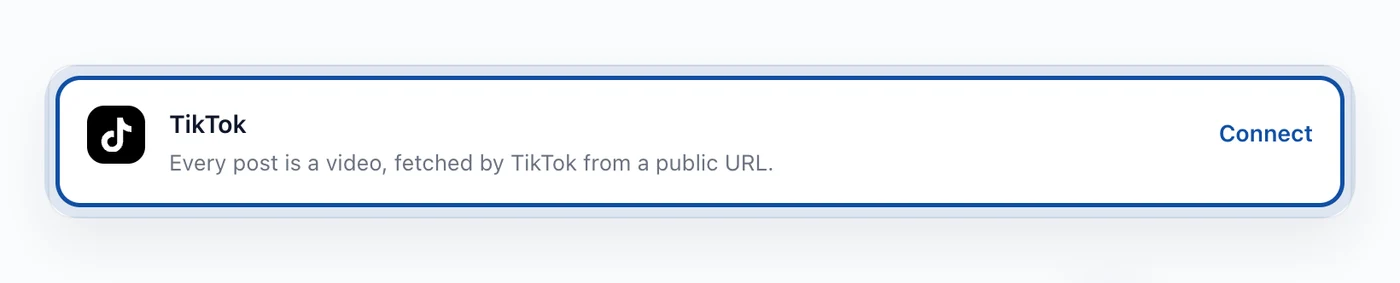
TikTok takes over, you approve the permissions on their screen, and you land back with the profile connected. It connects as a profile, so the account you are signed in to on TikTok is the one that connects.
TikTok needs a video on every post
TikTok's API has no text only post. None. A caption is metadata attached to a video, not a thing that can stand on its own.
So the composer treats a TikTok account the way it treats Instagram and Pinterest: if you have selected TikTok and there is no video attached, the publish is blocked and it tells you why. We do that in the composer rather than letting the request go out and come back rejected, because a rejection at publish time on a scheduled post means you find out after the moment has passed.
There is no video generation in Hyvo. The file comes from your machine.
Which TikTok numbers Hyvo shows
TikTok is one of the four networks in the set that reports a reach figure, which it calls views. On top of that you get likes, comments and shares.
That makes TikTok analytics in Hyvo genuinely useful: with views as a denominator, an engagement rate is a real ratio rather than a number divided by a guess. Hyvo Analytics explained covers how that is calculated and what to trust.
If the connection stops working
TikTok expires tokens on its own schedule. The row says so and offers Reconnect, which walks the same permission screen. Scheduled posts, history and analytics stay where they are, and anything queued while the connection is dead will fail rather than disappear quietly.
FAQs
Can I post to TikTok without a video?
No. TikTok's API has no text only post, so the composer blocks the publish rather than letting TikTok reject it.
Does Hyvo generate video?
No. There is no media generation in Hyvo. You upload the file.
How long can a TikTok caption be?
2,200 characters.
Which TikTok numbers does Hyvo show?
Views, likes, comments and shares.
Does Hyvo check my video's aspect ratio?
No. Hyvo checks that a video is attached and that the caption fits. Format requirements beyond that are TikTok's to enforce at upload.
About the author

Founder, Hyvo
Subarna Basnet is the founder of Hyvo, an AI-powered platform helping businesses create, manage, and automate social media marketing. He writes about AI, social media automation, content creation, and marketing technology.