How to Create Social Media Content With Hyvo AI
Where the assistant sits, the difference between asking it for a draft and handing it a job, and how to get something you would actually publish.

Quick guide
Use AI Assist inside the composer when you have a draft and want it improved, and the assistant in Chat when you want ideas or a first pass. Both read your brand memory and your own posts, so the more accurate that memory is, the less editing you do.
- Fix your brand memory first. Everything the assistant writes starts there.
- In the composer, use AI Assist on a draft to shorten, rewrite or adapt it per channel.
- In Chat, ask for ideas or a first pass when you have nothing on the page.
- Give it a real brief: who it is for, what it should do, what to avoid.
- Edit the result. It is a draft, not a decision.
The full walkthrough is below.
There are two places to write with the assistant and they are for different moments. Getting that right is most of the difference between output you publish and output you delete.
Before anything: the brand memory
Every draft the assistant writes starts from what it knows about you, and what it knows about you is one form.
If you have not corrected your brand memory, the assistant is writing from a first pass it made off your website plus whatever it can infer. That produces competent, generic social copy, which is the thing everyone complains about when they complain about AI writing.
Ten minutes in that form changes the output more than any prompt trick. How to create a consistent brand voice with Hyvo is the tutorial for it.
In the composer: AI Assist
When you have a draft on the page, the assistant lives in the composer's footer.
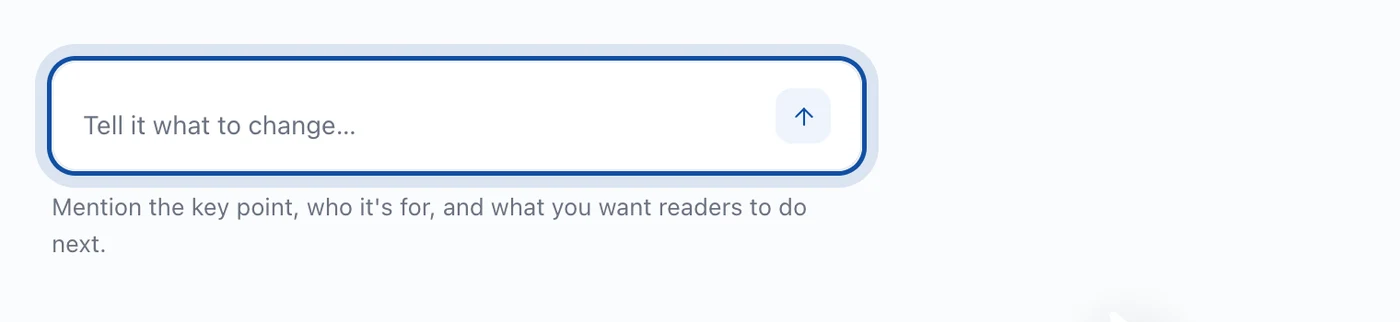
Press it and you get options that act on what you have written.
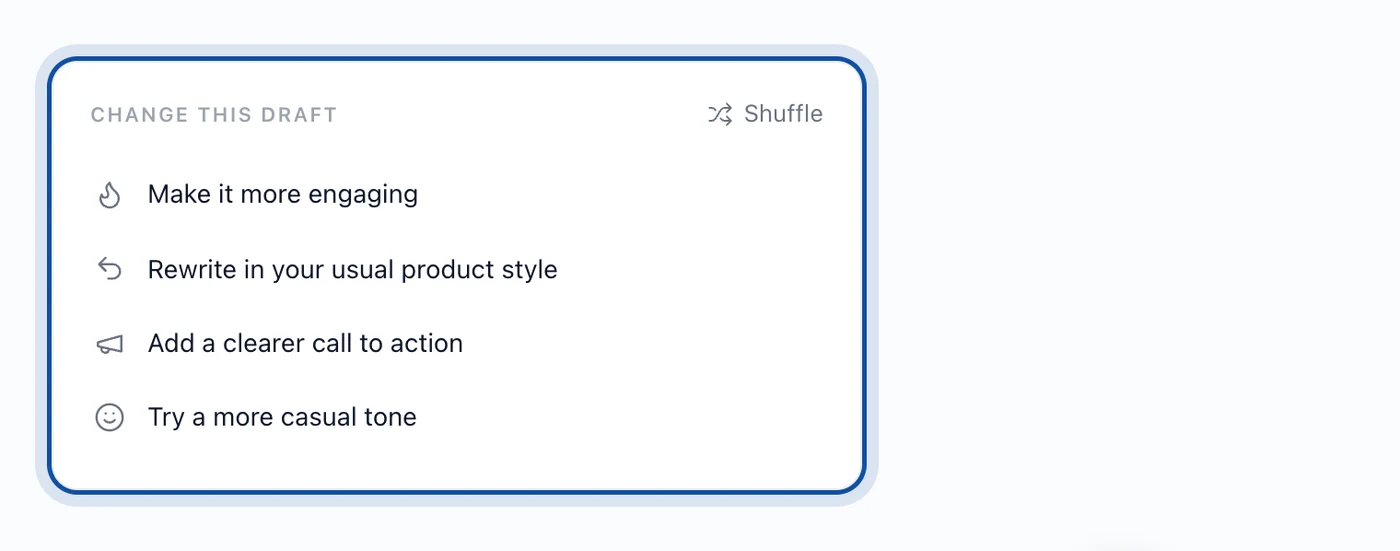
This is the right tool when the thought exists and the wording does not. Shortening a post to fit X's 280 characters, rewriting the LinkedIn version so it does not read like a tweet, tightening an opening that takes three sentences to get going.
It is a bad tool for producing a post from nothing, because it has nothing to work from beyond the brand memory, and you will get something that sounds like your brand saying very little.
In Chat: a first pass
When the page is empty, go to the assistant instead.
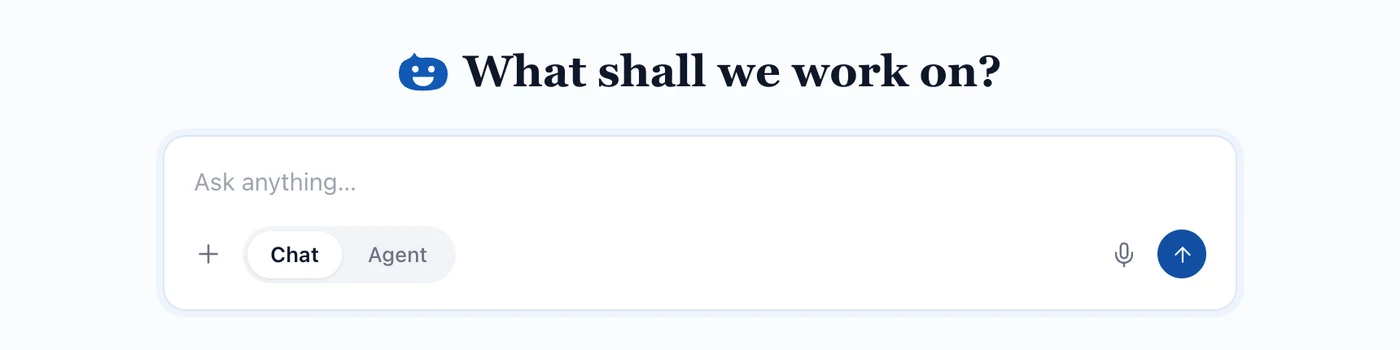
Chat answers in the window. Ask for five angles on a topic, a draft for a specific network, or a rewrite of something you have pasted in.
The quality of what comes back tracks the quality of the brief almost exactly. Compare:
- "Write me a LinkedIn post about our new feature."
- "Write a LinkedIn post for founders who run their own social. We shipped a calendar view. The point is that they can see a thin week before it happens rather than after. Open with the problem, not the feature. No exclamation marks."
The second one gets you something you can edit. The first gets you something you rewrite.
Agent, for the whole job
Agent is the other mode and it is for outcomes rather than answers. A month of posts, a report on what worked, a content plan for a launch. It plans the job, runs its own steps and comes back with the finished thing.
Agent is a Premium feature. Chat is on every plan, with thirty AI requests a month on Free.
How Hyvo AI works goes through the difference properly.
What it will not do
It will not make images. There is no image or video generation in Hyvo. Media is uploaded. If a post needs a picture, that is still your job.
It will not publish on its own. Drafts land in the composer or in your drafts. Nothing goes out unless you send it, or unless you built an automation and turned it on, and even then you can put an approval step in front of publishing.
It will not invent your numbers. When it says a post did well, that comes from your analytics. When it does not have enough data to be confident, it says so rather than rounding up to a claim.
A workflow that holds up
- Correct the brand memory once.
- Use Chat to get five angles when you are stuck for what to say.
- Write the actual draft yourself, badly and quickly.
- Use AI Assist to fix the opening and cut it to length.
- Rewrite the channels that need their own version.
- Read it out loud before you schedule it.
Step three is the one people try to skip and it is the one that keeps the writing yours.
FAQs
Does Hyvo AI write in my brand voice?
It writes from your brand memory, which holds your voice, audience and standing instructions. It is only as good as that form, so correcting the form is the most useful thing you can do.
Can Hyvo AI generate images?
No. There is no image or video generation in Hyvo. You upload media.
How many AI requests do I get?
Thirty a month on the free plan. Premium lifts that and adds Agent mode and research.
Does the assistant learn from my edits?
Not on its own. Brand memory is a form you edit by hand, including the free text field for the things you never want it to say. If you keep making the same correction, put it in that field once and stop making it.
Will it publish something without me?
No. Drafts stay drafts until you publish or schedule them.
About the author

Founder, Hyvo
Subarna Basnet is the founder of Hyvo, an AI-powered platform helping businesses create, manage, and automate social media marketing. He writes about AI, social media automation, content creation, and marketing technology.